Because “Password123” Is Not a Security Strategy
World Password Day is observed on the first Thursday in May and encourages everyone to take a closer look at the passwords protecting their online accounts. From email and banking to shopping, social media, streaming services, and work accounts, passwords have become the keys to an enormous portion of our digital lives. Unfortunately, some of us are still guarding those lives with the online equivalent of hiding the house key beneath the doormat.
The day promotes better password security and greater awareness of the simple steps people can take to protect themselves online. That means using strong and unique passwords, avoiding password reuse, enabling multi-factor authentication when available, considering a reputable password manager, and increasingly taking advantage of passkeys and other newer authentication technologies.
World Password Day is also an excellent excuse to deal with something most of us know we should do but would rather postpone. Nobody wakes up thinking, “What a wonderful morning to review the security credentials for 47 online accounts.” Unfortunately, cybercriminals are considerably more enthusiastic about the subject.
What Is World Password Day?
World Password Day is an annual cybersecurity awareness observance held on the first Thursday of May. Its purpose is to remind individuals and organizations about the importance of protecting online accounts and adopting better authentication habits.
Passwords have been part of computer security for decades, but the number of accounts an average person uses has increased enormously. One person may have separate credentials for email, banking, utilities, insurance, medical portals, social networks, online stores, entertainment services, cloud storage, government services, and dozens of websites they barely remember joining.
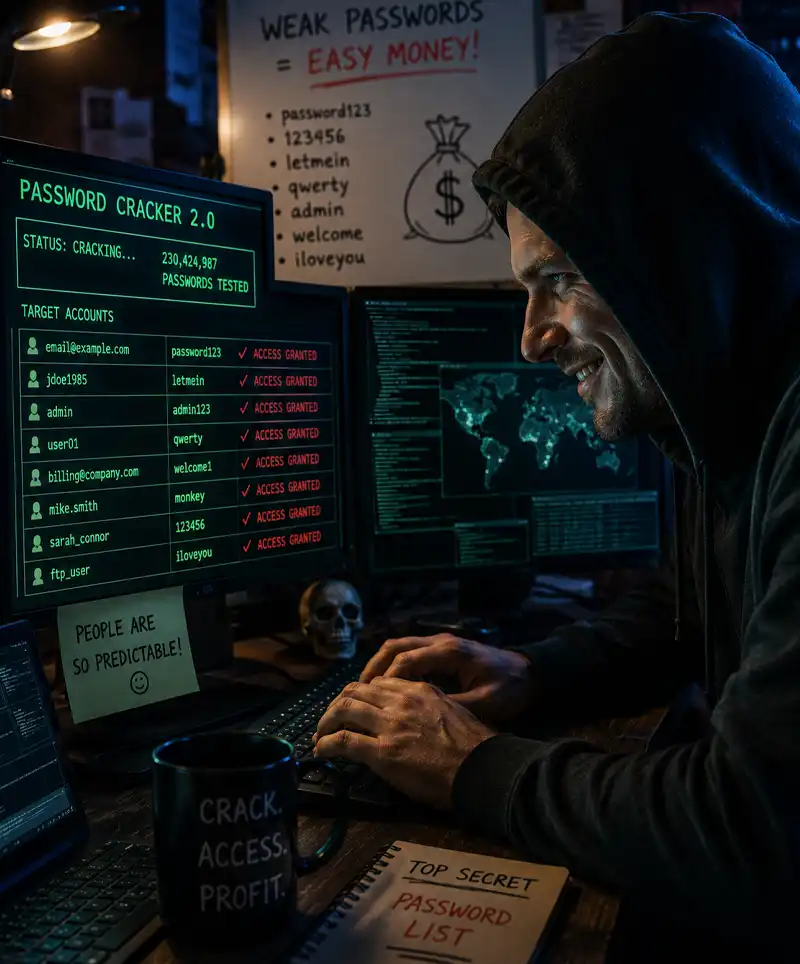
That creates an obvious problem: remembering a different complicated password for every account is difficult. People therefore tend to create short passwords, reuse familiar ones, or make predictable variations. Those shortcuts make life easier for the account holder, but unfortunately they can also make life considerably easier for an attacker.
World Password Day encourages people to spend a little time improving those habits before a security breach provides a much less pleasant reminder.
The History of World Password Day
The idea behind World Password Day can be traced to security researcher Mark Burnett, who encouraged people to establish a regular day for updating important passwords in his 2005 book Perfect Passwords. Several years later, Intel Security helped establish the first Thursday in May as World Password Day, turning the idea into a broader public awareness campaign.
The observance has since become part of the wider conversation about cybersecurity and online identity protection. Technology companies, security professionals, government agencies, businesses, and other organizations use the occasion to educate people about password security and increasingly about technologies designed to improve or eventually replace traditional passwords.
The advice surrounding passwords has changed over the years as cybersecurity research has improved. The old practice of forcing people to make frequent arbitrary password changes, for example, can sometimes encourage predictable variations rather than genuinely stronger security. Modern recommendations place greater emphasis on long, unique credentials, protection against compromised passwords, multi-factor authentication, and secure password management.
In other words, changing Fluffy1 to Fluffy2 every few months wasn't quite the cybersecurity masterstroke we once imagined.
Why Strong Passwords Matter
A password exists to prove that the person attempting to access an account is authorized to do so. If someone else obtains or successfully guesses that password, the protection disappears.
One of the greatest risks comes from password reuse. Suppose someone uses the same email address and password for an unimportant shopping website and their email account. If the shopping website suffers a data breach and those credentials are exposed, criminals can try the same combination on other services. This practice, known as credential stuffing, takes advantage of the fact that people frequently reuse passwords.
The consequences can spread quickly. Access to an email account can be particularly serious because email is often used to reset passwords for other services. A compromised email account may therefore provide an attacker with a route into several additional accounts.
The lesson is straightforward: every important account should have its own unique password or authentication credential. One stolen password should not provide a master key to everything else you do online.
What Makes a Strong Password?
Traditional password advice often concentrated on complexity: uppercase letters, lowercase letters, numbers, symbols, and perhaps something resembling ancient hieroglyphics before the website finally agreed that your password was acceptable.
Length and uniqueness are particularly important. A longer password or passphrase can be much harder to crack than a short one, while uniqueness ensures that a breach involving one service does not automatically compromise others.
A memorable passphrase consisting of several unrelated words can sometimes be easier for a person to remember while providing considerable length. However, passwords should not be based on information that another person could easily discover, such as birthdays, children's names, pets, favorite sports teams, addresses, or other details appearing on social media.
And yes, password123 remains a bad password. Adding an exclamation mark does not suddenly turn it into Fort Knox.
Never Reuse Important Passwords
Password reuse is tempting because remembering dozens of unique credentials is difficult. Unfortunately, that convenience creates one of the most common weaknesses in personal online security.
If criminals obtain credentials from one breached service, automated tools can test those credentials against numerous other websites. A reused password can therefore turn one company's security failure into problems involving your email, shopping accounts, social networks, or other services.
At minimum, particularly sensitive accounts such as your primary email, financial services, and important personal accounts should never share passwords. Ideally, every account should use unique credentials.
If the thought of remembering all of those passwords makes you want to abandon the Internet and communicate exclusively by postcard, there is a better solution.
Use a Password Manager
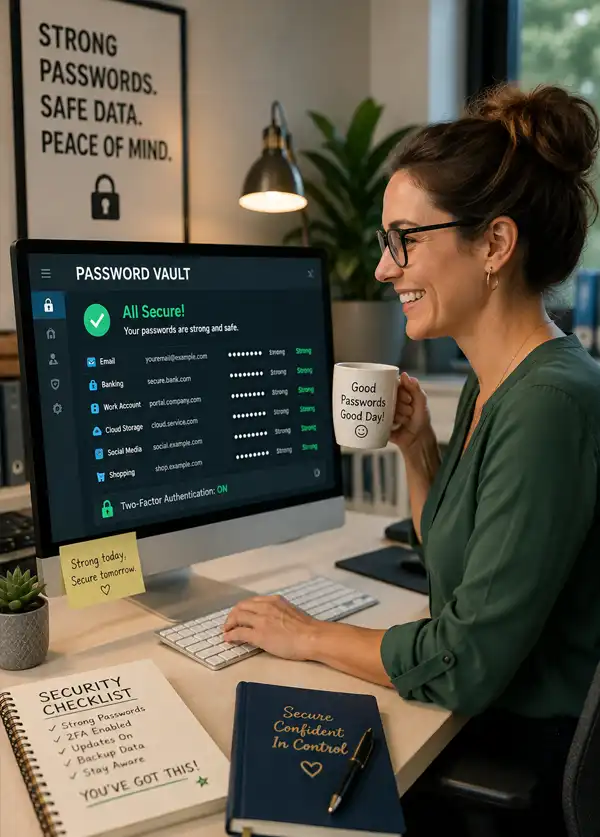
A password manager can generate, store, and retrieve strong, unique passwords for different accounts. Instead of memorizing dozens or hundreds of passwords, the user protects the password manager itself with strong authentication and allows the software to handle much of the remaining work.
Many password managers can generate random passwords, identify reused credentials, warn about weak passwords, and help users update compromised accounts. Password management features are also increasingly built into operating systems and web browsers.
Using a password manager does require protecting the manager carefully. A strong master password and multi-factor authentication, when supported, are important because the account contains access to valuable information.
For many people, however, a reputable password manager is far safer than the alternative system known as “I use basically the same password everywhere but change the number at the end.”
Turn On Multi-Factor Authentication
Multi-factor authentication, commonly abbreviated MFA, adds another layer of protection beyond a password. Two-factor authentication, or 2FA, is a common form of MFA.
Instead of gaining access with only something you know, such as a password, an account may require another factor. Depending on the service, that could involve an authenticator application, security key, biometric verification, or another approved method.
This matters because a stolen password alone may no longer be enough to enter the account. Multi-factor authentication is not magic armor against every possible attack, but it can substantially improve account security.
Users should also remain alert to phishing attempts designed to trick them into revealing authentication codes or approving login requests they did not initiate. If your phone suddenly asks whether you are attempting to sign in from somewhere you've never been, “Approve” is probably not the button you're looking for.
What About Passkeys?
World Password Day arrives during an interesting period in the history of the password because the technology industry is increasingly developing ways to use fewer traditional passwords.
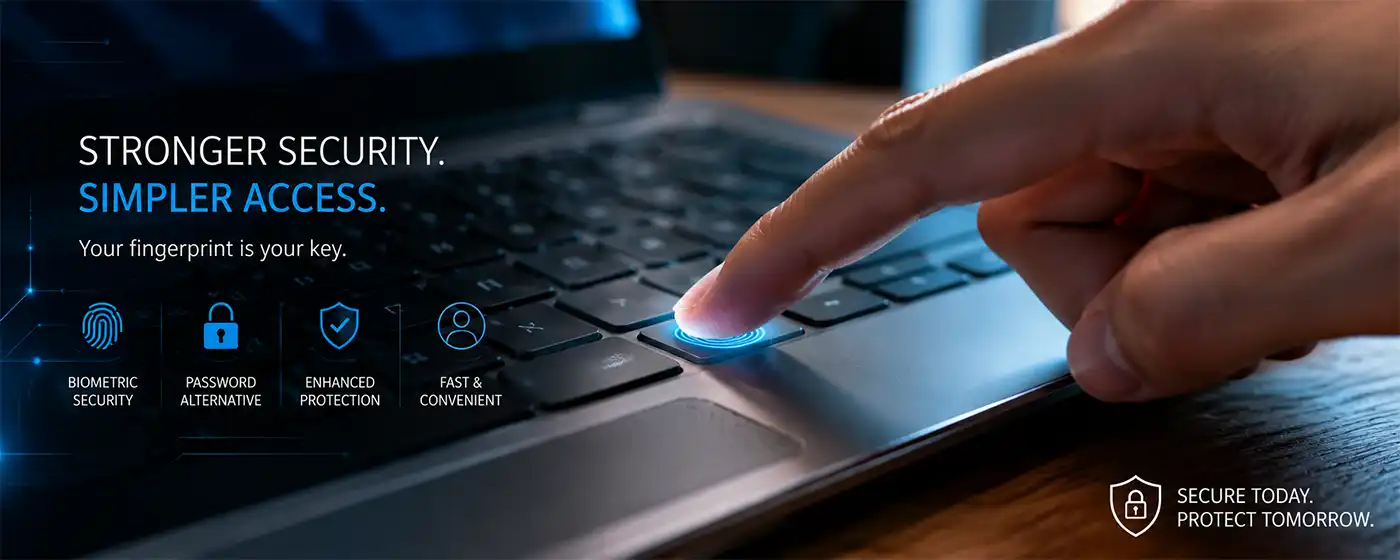
Passkeys are designed to provide a more secure and convenient method of signing in to compatible websites and applications. Rather than entering a conventional password, users can authenticate using a device and methods such as a fingerprint, facial recognition, or device PIN.
Passkeys use public-key cryptography and are designed to resist common phishing attacks because the secret used to authenticate the user is not simply typed into a website and transmitted in the same way as a traditional password.
Support for passkeys has expanded across major technology platforms and online services, although passwords are certainly not disappearing overnight. For the foreseeable future, most people will probably use a mixture of passwords, passkeys, multi-factor authentication, and other security methods.
World Password Day may eventually need a new name, but we're not throwing away the cake just yet.
Password Security at Work
World Password Day is not only about personal accounts. Password security is particularly important in businesses, schools, nonprofit organizations, government agencies, and other workplaces where one compromised account can expose information belonging to many people.
Organizations can improve security by requiring appropriate authentication controls, supporting password managers, implementing multi-factor authentication, monitoring compromised credentials, educating employees about phishing, and limiting account permissions to what each person actually needs.
Training is important because sophisticated security technology can still be defeated when someone is persuaded to hand over their credentials voluntarily. Phishing emails and fake login pages often create urgency, telling recipients that an account will be suspended or a payment has failed unless they act immediately.
Whenever an unexpected message urgently demands that you log in, slowing down for a few seconds can be one of the most useful security tools available.
Ways to Observe World Password Day
World Password Day does not require decorations, greeting cards, or an elaborate family dinner. A few practical improvements to your online security are considerably more useful.
Start with your most important accounts, particularly your primary email account, banking and financial services, cloud storage, social media, and anything containing sensitive personal information. Check whether the passwords are unique and replace weak or reused credentials.
Enable multi-factor authentication on important accounts that support it. Review your password manager or consider using one if you currently rely on memory, scraps of paper, or a document called passwords.docx sitting conveniently on the desktop.
You can also review old accounts you no longer use and close them when appropriate. Every forgotten account containing personal information is another potential target and another password you must manage.
Finally, talk to family members about password security, particularly children, teenagers, and older relatives who may be targeted by phishing and online scams. A five-minute conversation about suspicious login requests may prevent hours or days of cleaning up after a compromised account.
When Bad Passwords Have Very Expensive Consequences
It is easy to laugh at password123, right up until someone discovers that a company protecting millions of dollars' worth of equipment, customer information, or critical infrastructure has been using something not much better. Over the years, cybersecurity investigations have uncovered some astonishing examples of organizations learning the importance of password security the hard way.
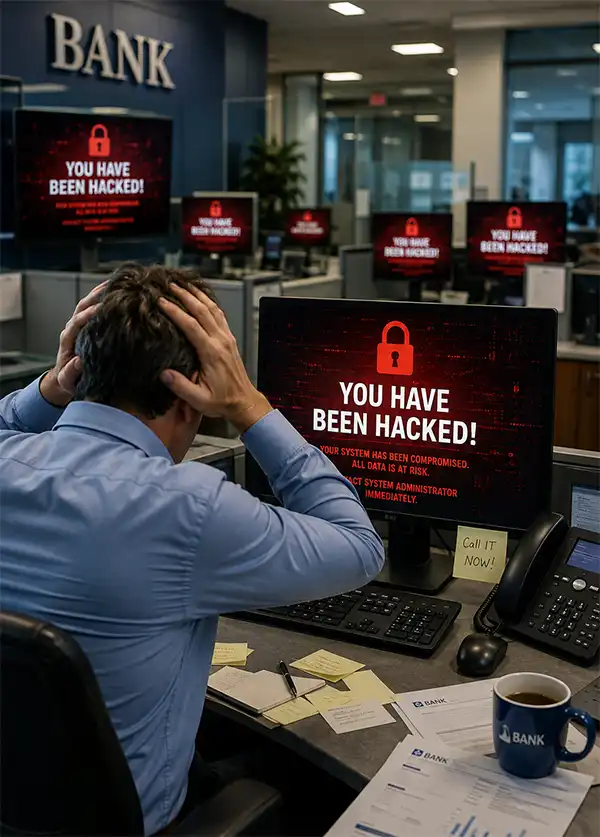
Take the 2021 Colonial Pipeline cyberattack. The company operates a major fuel pipeline system supplying the eastern United States, and a ransomware attack forced it to shut down pipeline operations temporarily. Investigators later determined that attackers had gained access through a compromised password associated with a legacy VPN account that did not use multi-factor authentication. The password had previously appeared among compromised credentials available online. The incident disrupted fuel supplies, contributed to shortages and panic buying in parts of the southeastern United States, and resulted in Colonial Pipeline paying a ransom of approximately $4.4 million. Suddenly, enabling multi-factor authentication seems considerably less inconvenient.
Then there was the 2016 attack involving the Mirai malware. Rather than concentrating on someone's email account, Mirai searched the Internet for connected devices such as cameras and routers that were still protected by factory-default or otherwise easily guessed login credentials. Huge numbers of compromised devices were assembled into a botnet and used to launch distributed denial-of-service attacks. One major attack against DNS provider Dyn disrupted access to numerous popular websites and online services. Thousands of innocent little Internet-connected devices effectively became unwilling members of a cyber army because somebody never changed the password. Apparently admin/admin was not the impregnable fortress manufacturers hoped it might be.
Even governments have provided lessons in what not to do. In 2018, Hawaii's emergency management agency attracted attention after a photograph published by the Honolulu Star-Advertiser showed an employee posing at a workstation. Visible in the photograph was a sticky note containing a password. The agency said the credential was for an internal application and was no longer in use by the time concerns were raised, but the photograph became a wonderfully unfortunate illustration of an important security principle: the strongest password in the world becomes considerably less impressive when you stick it to the computer monitor.
These incidents differ enormously in scale and circumstances, but the lesson is remarkably consistent. Password security can seem boring when everything is working properly. Nobody holds an office party because the VPN account has multi-factor authentication enabled, and changing a default router password has probably never earned anyone Employee of the Month.
But when something goes wrong, those seemingly mundane precautions can suddenly become extremely important.
The moral of the story? Use strong passwords, don't reuse them, enable multi-factor authentication, change default credentials, disable accounts nobody uses anymore, and please don't stick the password to the monitor.
Especially if somebody is about to take a photograph.
Password Security FAQ
Passwords are supposed to keep other people out, but knowing how to create, store, and manage them securely can raise plenty of questions. From choosing a strong password and using a password manager to understanding multi-factor authentication and passkeys, our Password Security FAQ answers some of the most common questions about protecting your online accounts. And yes, we will once again attempt to persuade the remaining users of 123456 that the time has come to move on.
When is World Password Day?
World Password Day is observed every year on the first Thursday in May. The annual observance encourages individuals and organizations to review their password security, strengthen vulnerable accounts, enable additional authentication, and learn about newer technologies such as passkeys.
What makes a password strong?
A strong password should be long, unique, and difficult for another person or automated system to guess. Avoid names, birthdays, common words, predictable patterns, and information that someone could discover through social media. Longer passwords or passphrases can provide excellent security while being easier to remember than a short collection of random characters.
How long should a password be?
Longer passwords are generally stronger, particularly when they are unique and unpredictable. Many security experts recommend using at least 12 to 16 characters when a traditional password is required, although longer passphrases can be even better. Always follow any requirements established by the service you are using.
Should I use a different password for every account?
Yes. Using a unique password for every account prevents a password exposed in one data breach from immediately giving criminals access to your other accounts. This is particularly important for email, financial accounts, cloud storage, social media, and other services containing personal or sensitive information.
Is it safe to use a password manager?
A reputable password manager can be an effective way to create and store strong, unique passwords without having to memorize every one. The password manager itself should be carefully protected with a strong master password and, when available, multi-factor authentication. Think of it as a key cabinet: having all the keys neatly organized is useful, but you still want an excellent lock on the cabinet.
What should my password manager master password be?
Your master password should be unique, long, memorable to you, and never reused for another account. A long passphrase consisting of several unrelated words can be easier to remember than a short collection of complicated characters while still providing strong protection. Never store your master password somewhere that would make it easily accessible to another person.
Should I change my passwords regularly?
Passwords do not necessarily need to be changed according to an arbitrary schedule if they remain strong, unique, and uncompromised. You should change a password promptly if you believe it has been exposed, if a service reports a security breach affecting credentials, or if you discover that you have reused it elsewhere.
What is two-factor authentication?
Two-factor authentication, or 2FA, requires two forms of authentication before granting access to an account. For example, you might enter a password and then confirm your identity through an authenticator application or security key. It provides an additional barrier if someone manages to obtain your password.
What is multi-factor authentication?
Multi-factor authentication, or MFA, requires users to verify their identity using more than one authentication factor. Two-factor authentication is one form of MFA. Depending on the service, additional factors might include an authenticator app, hardware security key, biometric identification, or another approved verification method.
What is a passkey?
A passkey is a modern authentication method designed to reduce reliance on traditional passwords. Passkeys use public-key cryptography and can allow users to sign in using their trusted device together with a fingerprint, facial recognition, or device PIN. They are designed to resist common phishing attacks and are increasingly supported by major websites, applications, and technology platforms.
Are passkeys safer than passwords?
Passkeys can provide important security advantages over traditional passwords, particularly because they are designed to resist phishing and cannot be reused across unrelated websites in the same way passwords often are. Their security still depends partly on protecting the devices and accounts used to manage them.
What should I do if my password has been compromised?
Change the affected password immediately and make certain the replacement is unique. If you used the compromised password anywhere else, change it on those accounts as well. Review the account for unfamiliar activity, enable multi-factor authentication if available, and follow any security recommendations provided by the service.
Is writing down a password always unsafe?
Not necessarily. For some people, keeping an important password written on paper and securely stored in a private physical location may be safer than using a weak or repeatedly reused password. The important word is securely. A password stored in a locked location at home is very different from one written on a sticky note attached to the monitor.
What passwords should I protect most carefully?
Your primary email account deserves particular attention because it is often used to reset passwords for other services. Financial accounts, password managers, cloud storage, social media, and accounts containing sensitive personal information should also receive strong, unique credentials and additional authentication whenever possible.
What is the biggest password mistake people make?
Reusing passwords is one of the most dangerous habits because a breach involving one website can expose accounts elsewhere. Weak and predictable passwords, leaving default credentials unchanged, ignoring multi-factor authentication, and falling for phishing attempts are other common problems. And despite decades of warnings, variations of 123456 and password continue to demonstrate that humanity occasionally enjoys making things unnecessarily easy for cybercriminals.
A Good Day to Lock the Digital Doors
World Password Day is ultimately about a very ordinary part of modern life that carries surprisingly important consequences. We lock our homes, protect our bank cards, and generally avoid handing strangers copies of our house keys. Our online accounts deserve similar attention.
Strong and unique passwords, a reliable password manager, multi-factor authentication, careful handling of unexpected login requests, and the growing use of passkeys can make stealing access considerably more difficult. None requires becoming a cybersecurity expert. They simply require developing better habits.
So, on the first Thursday in May, give your passwords a little attention. Replace the weak ones, stop reusing the important ones, turn on additional authentication, and investigate passkeys where they are available.
And if your password is still password, today would be an exceptionally good day to have a quiet word with yourself.
Author’s Note: Writing this article caused an unexpected security audit — of the author. I’ve used strong, complicated passwords and a password vault for years, only to realize the vault itself deserved a better lock. It now has passkey protection. Apparently, World Password Day works before you even finish writing about it.